


Website migrations aim to improve performance, but many businesses see organic traffic drop 30–60% within days of launch, losing search visibility quickly. (E-Commerce Site Migration Success | Zelst Case Study, 2025)
- Understanding Website Migration Types
- Pre-Migration Planning Requirements
- The Complete Pre-Migration Checklist
- URL Structure and Redirect Planning
- Content Migration Best Practices
- Technical SEO Configuration
- Search Console Management
- Analytics and Tracking Setup
- Post-Migration Monitoring Protocol
- Common Migration Mistakes to Avoid
- Domain Migration Specific Considerations
- Platform Migration Specific Issues
- International and Multi-Language Site Migrations
- E-Commerce Migration Considerations
- Managing Temporary Traffic Drops
- When to Seek Professional Help
- Recovery From Failed Migrations
- Frequently Asked Questions
- Key Takeaways
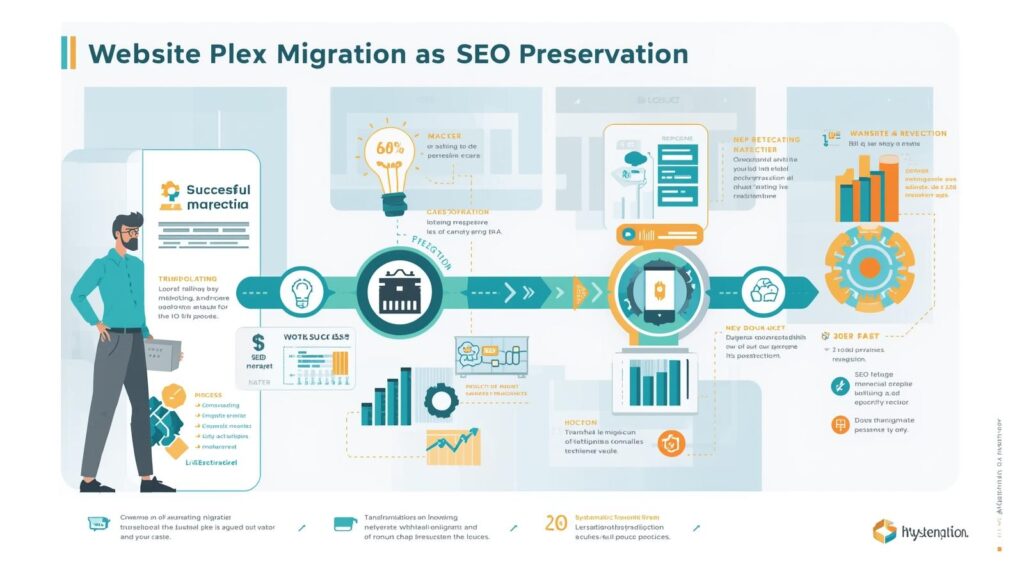
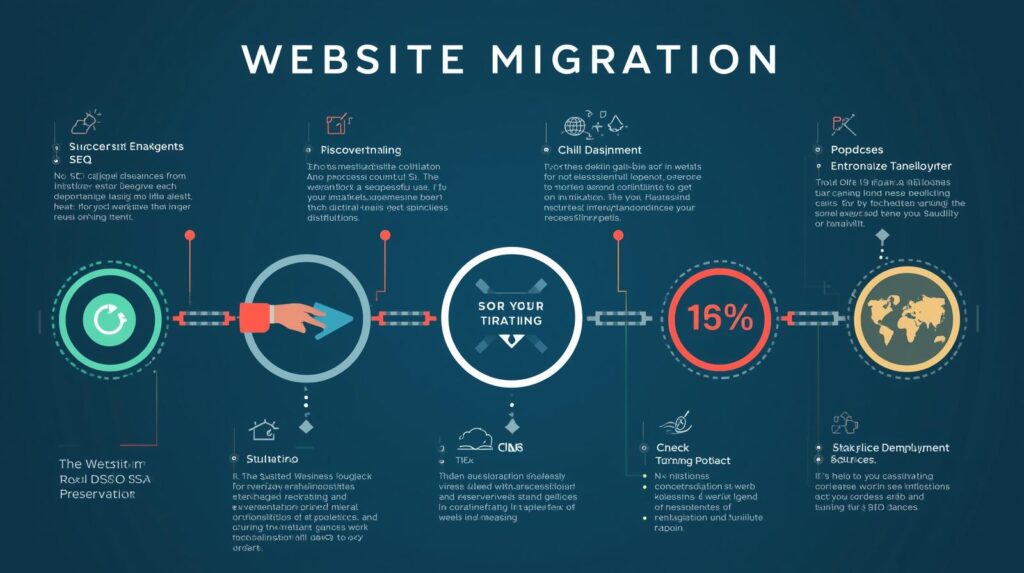
This checklist shows how to protect rankings during migrations. Following these steps prevents technical and content errors that hurt organic traffic. It is designed for in-house SEO leads, agency partners, and development teams. Whether you’re changing platforms, domains, or redesigning, these actions help search engines adjust to your new site.
Understanding Website Migration Types
- Platform migrations change content management systems without changing domains, each of which poses unique SEO risks.
- Domain migrations move a site to a new address, usually for rebranding or consolidation, or shifting from subdomains.
- HTTPS migrations switch sites from HTTP to HTTPS. These typically require proper redirects and configuration updates, but are simpler.
- Site redesigns change page structure, navigation, and URL formats while maintaining the same domain. These often go hand in hand with platform migrations, further complicating matters.
- Consolidation migrations merge sites into one. Companies undertaking acquisitions or brand unification handle complex redirects here.
Pre-Migration Planning Requirements
Comprehensive audits of current sites establish baselines for comparison. Document existing rankings, traffic levels, and technical configuration before making any changes.
Crawl your entire site, recording every URL. Use crawling software to generate a complete URL inventory of every indexable page on your current site.
Export at least 12 months of analytics data, including traffic, conversions, and top pages.
Identify your most valuable pages by organic traffic and conversions. These priority pages require extra attention to ensure they migrate successfully without ranking losses.
Map the current to the new URL structures completely. Create spreadsheets that match each existing URL to its new location, and highlight different categories for clarity. Use color-coding to flag high-risk URL categories visually: mark money pages in green, blog evergreen content in blue, and deprecated URLs in red. This method allows fast triage when last-minute changes hit and ensures your migration process is balanced and efficient. Additionally, identify pages being removed or consolidated and flag them correspondingly.
Export all backlinks and note linking sites to ensure proper redirects.
The Complete Pre-Migration Checklist
Establish staging environments replicating production configurations. Test all migration steps in non-public environments before touching live sites.
Verify that the new site’s technical foundations meet search engine requirements. Confirm servers respond quickly, mobile rendering works correctly, and no fundamental technical barriers exist.
Configure analytics on new sites before migration. Install tracking codes to ensure data collection continues uninterrupted when sites launch.
Set up Search Console properties for new domains or protocol changes. Verify ownership of new properties and configure them for monitoring.
Create comprehensive page-level redirect maps. Every old URL must explicitly map to an appropriate new URL through 301 permanent redirects.
Prepare rollback plans for worst-case scenarios. Document how to quickly revert to old sites if catastrophic problems arise.
Schedule migrations during low-traffic periods. Nights, weekends, or off-seasons minimize the impact on business if problems occur.
URL Structure and Redirect Planning
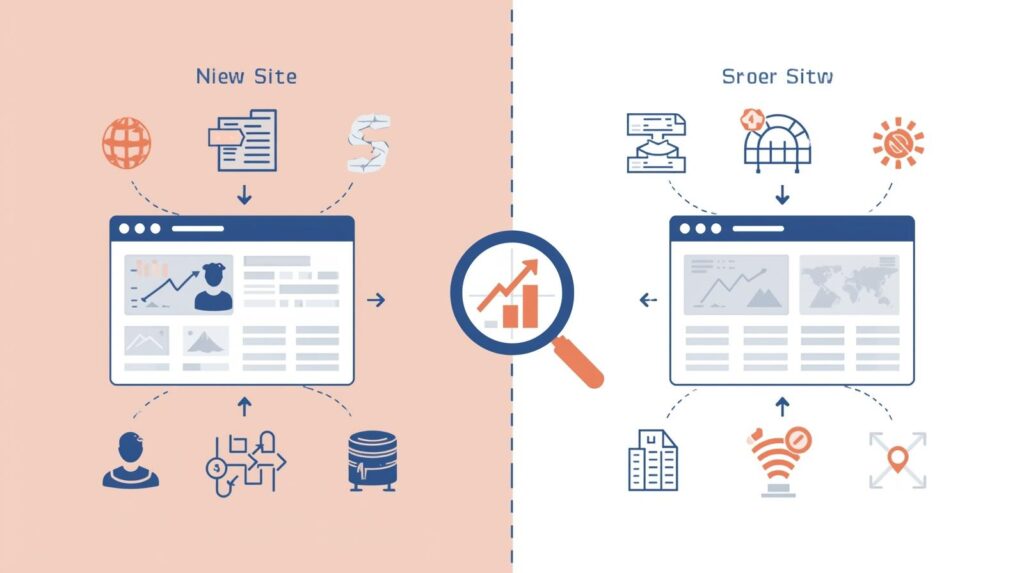
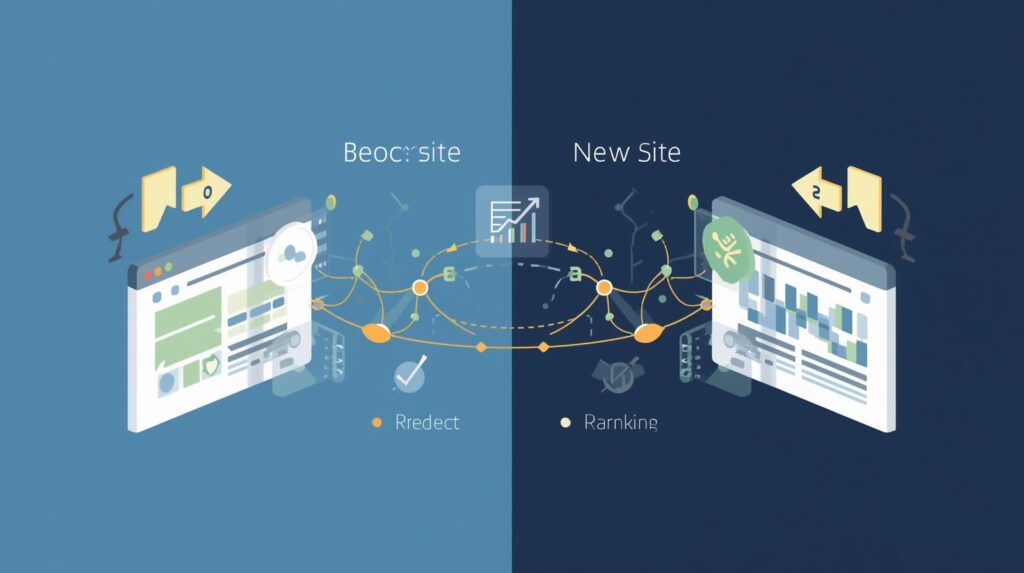
301 redirects tell browsers and search engines that a page has permanently moved to a new address (URL). This type of redirect passes most of the website’s existing ranking power (called “link equity”) to the new location, which helps retain search rankings. Passing link equity means you retain the authority you’ve already earned, helping your site maintain its strength in search results.
One-to-one redirects provide the strongest SEO preservation. Each old URL should redirect to the most relevant new page, ideally with similar content and context.
Avoid redirect chains in which URLs redirect multiple times before reaching their destinations. Each additional hop dilutes ranking signals and slows page loads.
Homepage redirects require special attention. Ensure root domain redirects properly, including www versus non-www variations and any historical domain versions.
Parameter handling must account for URLs with query strings. Decide whether parameters should be stripped away, passed through, or redirected to specific new pages.
Canonical tags on new pages should point to themselves. Confirm each new URL canonicalizes to itself rather than pointing to old URLs or incorrect pages.
Content Migration Best Practices
Content parity ensures that new sites contain all the valuable content from older versions. Migrating only partial content leaves gaps, harming rankings for missing pages. For instance, Company ABC saw a 25% drop in organic traffic after migrating without their detailed FAQ pages. Once they restored these pages, their rankings rebounded, highlighting the importance of preserving valuable content during migrations.
Maintain content hierarchy and internal linking structures. Pages that were one click from homepages should remain similarly accessible on new sites.
Preserve on-page SEO elements, including title tags, meta descriptions, and heading structures. Successful migrations maintain these signals rather than resetting optimization work.
Image migration must include alt text, file names, and surrounding context. Don’t lose the image optimization work accumulated over time.
Structured data markup should migrate to new pages. Schema.org implementations providing rich results must continue to maintain enhanced search appearances.
Internal links should be updated to point directly to the new URLs. While redirects work, direct links to final destinations perform better than redirected links.
Technical SEO Configuration
XML sitemaps are files that list all the important pages on your website for search engines. Update your sitemap to show only new URLs, send it to Search Console, and remove any old sitemaps.
Robots.txt files should allow crawling of all important content. Confirm no accidental disallow rules block critical pages or entire sections.
Page speed optimization remains critical during migrations. New platforms or designs should load as fast or faster than old versions to avoid performance-related ranking losses. To establish a clear performance objective, set a benchmarking goal: the new website’s page speed should be at least 10% faster than the previous site’s. This concrete target will help teams focus efforts and rally around a measurable key performance indicator (KPI) for the migration.
Mobile responsiveness must work flawlessly. Test all page types on actual mobile devices to confirm rendering, navigation, and functionality.
HTTPS configuration requires proper certificate installation. Verify SSL certificates are valid, cover all necessary domains, and force HTTPS connections.
Server response codes are signals that tell browsers whether a webpage loaded successfully (e.g., 200 for OK) or is missing (e.g., 404 for not found). Avoid incorrectly telling browsers a page exists if it really doesn’t (often called a soft 404).
Search Console Management
Verify new properties in Search Console before migration. Establish ownership and confirm access to monitoring and configuration features.
Submit change-of-address notifications for domain migrations. Search Console’s address change tool specifically handles domain moves, accelerating search engine discovery.
Upload new XML sitemaps immediately after migration. Don’t wait for search engines to discover new structures organically—actively push sitemap information.
Monitor crawl errors daily after launch. Address any 404 errors, server errors, or redirect problems appearing in Search Console reports.
Review Index Coverage reports to ensure new pages are indexed. Ensure Google discovers and indexes new URLs while dropping old ones from the index.
Track Core Web Vitals to confirm performance metrics remain acceptable. Migrations affecting page speed show up in these performance measurements.
Analytics and Tracking Setup
Implement analytics tracking before migration launches. Confirm tracking fires correctly on all new page types before cutting over traffic.
Maintain consistent tracking IDs when possible. Using the same analytics property IDs enables continuous historical data rather than breaking reporting at migration points.
Configure goal and conversion tracking to match old site definitions. Ensure conversions continue to be tracked using the same criteria for an accurate before-and-after comparison.
Set up annotations marking migration dates. Document when changes occurred, enabling easy correlation of traffic changes to migration timing.
Create dashboard views comparing pre- and post-migration performance. Build reports that specifically monitor the migration’s impact on key metrics.
Verify event tracking continues functioning. Custom event tracking for downloads, video plays, or form submissions must work in new implementations.
Post-Migration Monitoring Protocol
Monitor organic traffic closely for 4-6 weeks after launch. Daily checks catch problems early when they’re easiest to address. Establish a routine by reviewing three key metrics every morning: organic sessions, 404 count, and priority keyword ranks. A consistent monitoring routine helps identify issues swiftly and lowers post-migration anxiety.
Track ranking changes for priority keywords. Use ranking monitoring to confirm important terms maintain positions or recover quickly from temporary drops.
Review server logs identifying crawling patterns. Ensure search engines actively crawl new sites at healthy rates without encountering excessive errors.
Check the backlink redirect functionality. Verify that existing backlinks from external sites redirect properly to the new locations and retain authority.
Monitor page load speeds on production servers. Real-world performance sometimes differs from staging environment testing.
Review conversion rates to ensure business metrics remain at expected levels. Traffic preservation means little if conversion rates collapse.
Common Migration Mistakes to Avoid
Launching without a comprehensive redirect implementation results in immediate traffic losses. Every old URL must redirect appropriately—no exceptions.
Using 302 temporary redirects instead of 301 permanent redirects prevents the transfer of link equity. Search engines don’t consolidate authority when redirects signal temporality.
Blocking search engine access accidentally through robots.txt or noindex tags devastates visibility. Many migrations inadvertently prevent indexing through staging environment settings left active.
Changing too many elements simultaneously makes problem diagnosis difficult. Migrations combining domain changes, URL structure alterations, and design overhauls create debugging nightmares.
Neglecting to update internal links creates a dependency on redirects. While redirects work, updating links to point directly to new URLs provides better performance.
Removing valuable content without proper redirects loses accumulated ranking authority. Pages earning backlinks and rankings shouldn’t disappear without redirect alternatives.
Domain Migration Specific Considerations
Domain authority doesn’t instantly transfer to new domains. Even with perfect redirects, new domains require time to establish independent authority It’s crucial to have a proactive plan to regain and build authority swiftly. Encourage teams to schedule a ‘link outreach sprint’ 30 days post-migration to reach out to relevant websites and partners for backlink opportunities. This forward-looking guidance can reassure stakeholders that recovery of link equity and domain trust can be strategically engineered..
Expect temporary ranking fluctuations during domain transitions. Search engines need weeks to process domain changes, even with proper technical implementation.
Update all brand mentions pointing to old domains. Social profiles, business listings, and external references should be updated to the new domains.
Maintain old domains with redirects indefinitely. Don’t let old domains expire and become available for purchase by others who might harm your brand.
Email addresses on old domains should forward or redirect to new domains. Ensure customer communications continue working despite domain changes.
Brand consistency across all properties reinforces domain transitions. Help search engines and users understand the connection between old and new properties.
Platform Migration Specific Issues
Different CMS platforms handle URLs differently. WordPress, Shopify, and custom systems each have distinct URL generation patterns requiring accommodation.
Template structures affect how content renders. Ensure new platform templates maintain similar content visibility and internal linking patterns.
Plugin or extension functionality must replicate on new platforms. Features from old platforms that users and search engines relied upon should persist.
Database migrations require careful handling of metadata. Titles, descriptions, and custom fields must be fully transferred to new systems.
Image and media migrations need verification. Confirm all visual assets migrate successfully and remain accessible at expected URLs.
Dynamic content generation patterns may change between platforms. Pages relying on database queries or filtering must work identically on new systems.
International and Multi-Language Site Migrations
Hreflang tags must be updated to reflect the new URL structure. Language and regional targeting signals should point to the correct new URLs.
Each language version requires its own redirect mapping. Don’t assume redirect patterns for one language automatically apply to others.
Country-specific domains face additional complexity. Migrations involving ccTLDs like .uk or .de require extra attention to regional search engine guidelines.
Regional targeting settings in Search Console should update. Confirm geo-targeting configuration matches intended audiences for each site version.
Translation management systems must accommodate new URL structures. Content management and translation workflows should function seamlessly on new platforms.
E-Commerce Migration Considerations
Product pages represent extremely high-value URLs. Extra attention to product page migrations prevents revenue-impacting ranking losses.
Category structures should maintain logical hierarchies. E-commerce site organization significantly affects both SEO and user experience.
Faceted navigation and filtering create challenges with URL parameters. Handle filter URLs carefully to avoid duplicate content issues or wasted crawl budget.
Changes to the shopping cart and checkout process must maintain conversion rates. Technical SEO matters little if new checkout experiences fail to increase sales.
Product schema markup should migrate completely. Rich snippets showing prices, availability, and ratings depend on proper structured data implementation.
Review redirect logic for discontinued products. Out-of-stock or discontinued items should redirect to similar products or relevant categories rather than showing errors.
Managing Temporary Traffic Drops
Some traffic decline typically occurs even with perfect migrations. Expect 5-15% temporary drops while search engines process changes. Picture this as “SEO jetlag” – a temporary adjustment period for search engines as they reindex and analyze the new site configuration, similar to how our bodies need time to adjust to different time zones. This natural adjustment can help to calm stakeholder nerves by setting the expectation that these fluctuations are normal. Most migrations recover within 2-4 weeks if properly executed. Ranking fluctuations during this period are normal as search engines reprocess sites. Severe drops exceeding 30% indicate problems requiring immediate investigation. Review redirect implementation, crawl errors, and indexing status when major traffic loss occurs.
Paid advertising can bridge temporary organic shortfalls. Increase paid traffic temporarily while organic visibility stabilizes.
Communication with stakeholders sets appropriate expectations. Inform leadership about the normal impacts of migration versus problematic drops.
When to Seek Professional Help
Deciding when to bring in external expertise can be crucial for a successful website migration. Before you embark on the process, conduct a quick self-assessment to determine if you have the internal resources necessary. Ask yourself: Do you have in-house development, SEO, and analytics bandwidth to manage the migration effectively? If the answer is no, it may be wise to engage professionals early to avoid last-minute firefighting.
Complex migrations involving large sites often exceed internal capabilities. Sites with tens of thousands of pages benefit from specialist expertise.
Multiple simultaneous changes compound risk and complexity. Migrations combining domain changes, platform switches, and redesigns warrant professional guidance.
Limited technical resources internally make execution challenging. Organizations without dedicated developers struggle to implement technical requirements.
High-value sites where ranking losses have a substantial impact on revenue warrant professional involvement. The cost of specialist help is negligible compared to the consequences of traffic loss.
Previous failed migration attempts suggest deeper technical issues. If prior migration efforts went poorly, experts can identify and address underlying problems.
Recovery From Failed Migrations
Immediate reversion to old sites limits damage from catastrophic failures. Rollback capabilities preserve business continuity when migrations go wrong.
Systematic diagnosis identifies specific problems causing traffic losses. Review redirects, crawl errors, indexing status, and on-page factors methodically.
Incremental fixes address issues without creating new problems. Resist the urge to change everything simultaneously when diagnosing migration failures.
The recovery timeline varies by problem severity. Minor issues may be resolved within days, while major problems sometimes require weeks.
Documentation of problems and solutions builds institutional knowledge. Record what went wrong and how fixes worked for future reference.
Continue monitoring rankings and traffic for 3-6 months after migration. Some subtle issues only appear over extended timeframes.
Gradually remove redirect chains as external links update. When other sites update their links to new URLs, old redirect pathways become unnecessary.
Review and optimize new page templates for SEO. Post-migration represents good opportunities to enhance on-page optimization beyond simple parity.
Update external properties pointing to your site. Business listings, social profiles, and partner links should reflect new URLs.
Build new backlinks to important new URLs. Proactive link building accelerates authority consolidation on a new domain or URL structure.
To foster an ongoing optimization culture, consider setting quarterly post-migration sprints. During these sprints, test new template tweaks and measure their impact on traffic and engagement. This approach ensures consistent refinement and alignment with long-term optimization goals.
Frequently Asked Questions
How long does it take for Google to fully process a website migration?
Google typically processesproperly executed website migrations within 2-4 weeks, though complete stabilization may take up to 3 months. Simple migrations with perfect redirects and maintained content often recover within 10-14 days. Complex migrations involving domain changes, extensive restructuring, or technical issues may require 6-8 weeks for full search engine reprocessing and ranking stabilization.
Will I lose my search rankings during a website migration?
Properly executed migrations should preserve most rankings, though temporary fluctuations are normal. Expect a 5-15% temporary traffic decline for 1-3 weeks, even with perfect implementation. Poor migrations without proper redirects or with significant content changes can cause 30-70% ranking losses. Following comprehensive migration checklists and implementing 301 redirects correctly substantially minimizes ranking impact. (Site Migration SEO Guide: Preserve Rankings & Traffic, 2022)
What’s the most critical step in website migration SEO?
Implementing comprehensive 301 redirects at the individual page level represents the single most critical step. Every old URL must redirect to the most relevant new URL through permanent 301 redirects to preserve link equity and rankings. Missing or incorrect redirects account for the majority of migration failures and traffic losses. Map every existing URL to appropriate new destinations before launching.
Should I migrate during weekends or holidays to minimize impact?
Yes, schedule migrations during low-traffic periods to minimize business impact in the event of potential problems. Nights, weekends, or seasonal slow periods provide safer windows. However, ensure technical teams are available during migration periods to address any issues immediately. Some businesses prefer weekday migrations despite higher traffic because developer availability matters more than traffic volume when problems occur.
How do I know if my website migration was successful?
Monitor organic traffic, rankings for priority keywords, crawl errors in Search Console, and conversion rates for 4-6 weeks post-launch. Successful migrations show minimal sustained traffic loss (under 10%), maintained rankings for important keywords, declining crawl errors, and stable conversion rates. Compare actual metrics to pre-migration baselines. If traffic drops exceed 20% after three weeks or rankings collapse for many keywords, investigate redirect implementation and technical configuration. (How to spin a bad site migration into higher traffic and conversions, 2017)
Key Takeaways
Ensure a successful website migration with these three essential steps:
– Plan Early: Start by conducting comprehensive audits and prepare thoroughly.
– Map Every URL: Implement detailed 301 redirects to preserve every link’s equity and ranking.
– Monitor Daily: Keep a close watch on traffic, rankings, and technical aspects post-launch.
Temporary traffic fluctuations are normal with migrations, typically ranging from 5-15% for 2-4 weeks as search engines process changes. Severe drops exceeding 30% indicate implementation issues that require immediate investigation of redirects, crawl access, and indexing status.
Remember, preparation matters more than post-migration fixes. Conduct exhaustive pre-migration audits, complete URL mapping, test in staging environments, and have a rollback plan to avoid common migration pitfalls. Consult specialists for complex migrations before executing to prevent ranking losses.