
Imagine writing 30 blog posts only to find no one is searching those terms. Starting search engine optimization without proper tools means working in the dark. You end up guessing at keywords, missing technical issues, and wasting effort on ineffective strategies. The right SEO tools for beginners give essential data and guidance. They avoid overwhelming complexity and high enterprise-level costs.
- Essential SEO Tool Categories for Beginners
- Keyword Research Tools
- Technical SEO Audit Tools
- Backlink Analysis Tools
- Rank Tracking Tools
- Analytics and Reporting Tools
- Understanding when to use free tools and when to invest in paid platforms is key for new SEO users. This section will clarify which essentials you can cover at no cost and when upgrades matter.
- When Paid Tools Start Paying for Themselves
- Paid tools start paying for themselves once free options limit productivity or miss critical capabilities, affecting results.
- Budget-Friendly Approaches for Beginners
- Selecting Tools Based on Your Technical Comfort Level
- Tools for Non-Technical Beginners
- Tools Requiring Technical Knowledge
- Choosing Based on Your Situation
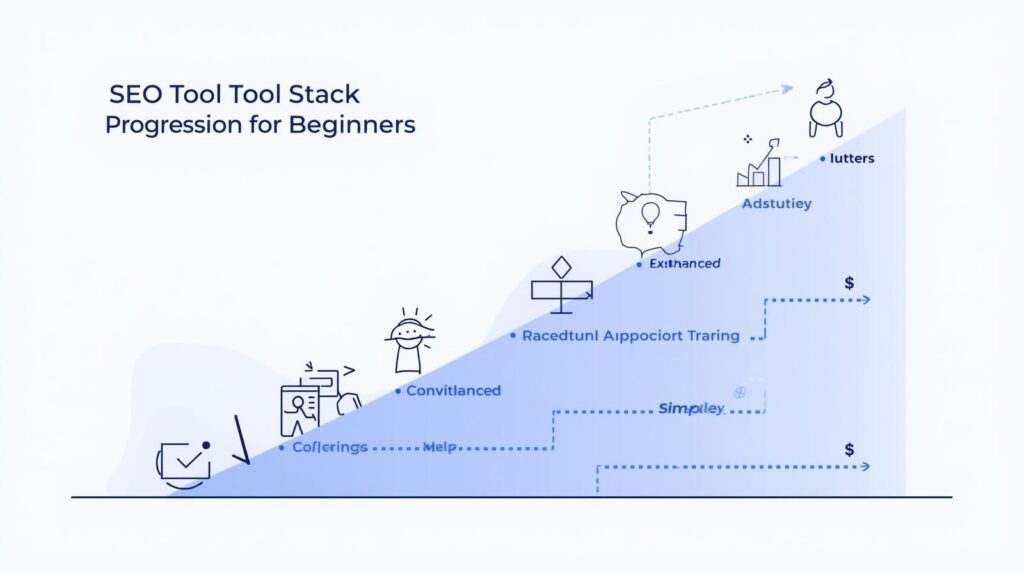
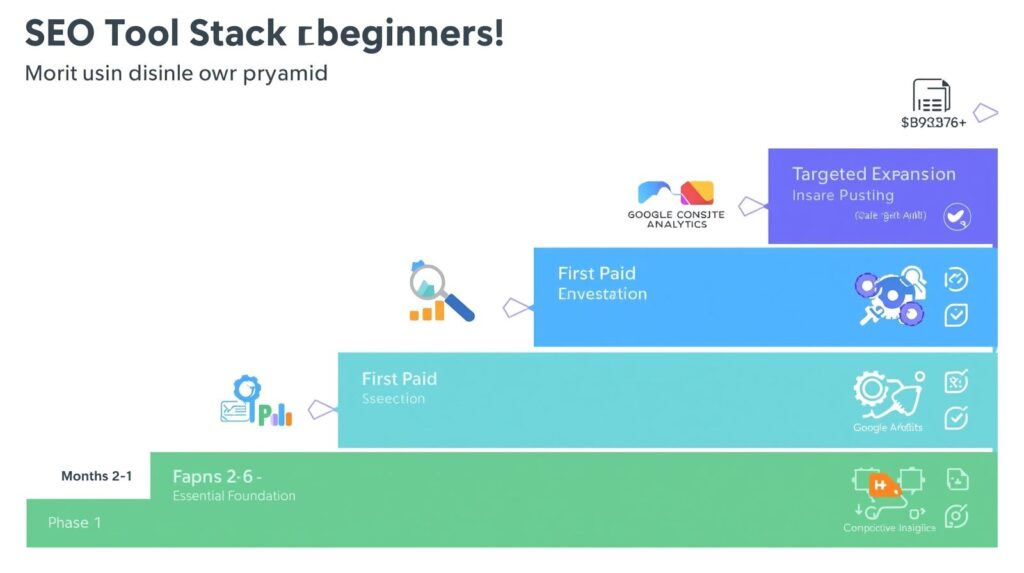
- Framework for Building Your Beginner SEO Tool Stack
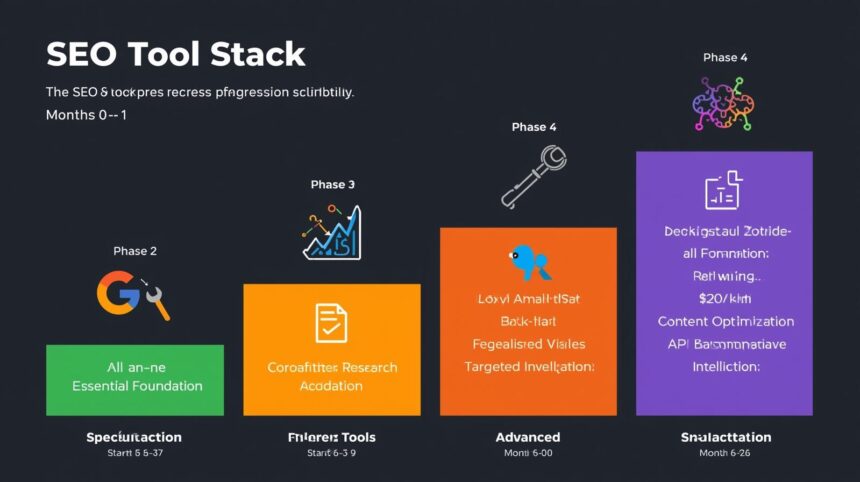
- Phase 1: Foundation Tools (First 30 Days)
- Phase 2: Core Paid Tools (Months 2-3)
- Phase 3: Specialized Tools (Months 4-6)
- Phase 4: Advanced Capabilities (Month 6+)
- Common Tool Selection Mistakes Beginners Make
- Subscribing to Too Many Tools Simultaneously
- Choosing Based on Features Rather Than Usability
- Neglecting Data Accuracy and Freshness
- Ignoring Integration Capabilities
- Expecting tools to improve results in isolation overlooks the crucial role of strategy in achieving SEO success. Many beginners expect that subscribing to tools alone will improve rankings, without a clear plan driving their use.
- Limitations of SEO Tools for Beginners
- Data Accuracy and Completeness Issues
- Learning Curve Requirements
- Cost Accumulation Over Time
- False Confidence From Tool Recommendations
- Frequently Asked Questions
- Building Your Tool Stack Strategically
This article identifies which capabilities matter most when starting SEO. It also recommends specific tool categories beginners should prioritize. Finally, it explains how to evaluate options based on your budget and technical comfort. You’ll understand what to implement first and what can wait for later stages.
Essential SEO Tool Categories for Beginners
Keyword Research Tools
Keyword research tools reveal what phrases potential customers actually search for, the number of monthly searches for those phrases, and how difficult it would be to achieve a high ranking for each term.
Understanding search volume prevents targeting keywords nobody actually uses. Many business owners optimize for phrases they think customers search rather than terms people actually type into search engines.
Competition analysis shows whether ranking is realistically achievable with your current site authority. Beginners waste months targeting keywords that major brands with established authority already dominate.
Search intent identification helps match content to what users actually want. The same keyword can indicate different intents, such as informational research, comparison shopping, or urgency to buy. For example, someone searching for ‘best running shoes’ is likely seeking information, comparisons, and reviews to help them make a decision. Meanwhile, a search like ‘buy Nike Pegasus size 10’ indicates a clear purchase intent, showing readiness to buy a specific product. This understanding allows content creators to tailor their material more effectively to meet the needs of their audience.
Related keyword discovery expands topic coverage beyond initial ideas. Comprehensive content addressing all relevant variations ranks better than a narrow focus on single phrases.
Technical SEO Audit Tools
Technical audit tools spot problems on your site that stop search engines from reading, listing, or ranking your pages efficiently. By identifying and addressing these issues, you can achieve faster indexing and significantly reduce errors that may impede site visibility.
Crawlability problems stop search engines from discovering pages. Broken links, incorrect robots.txt files, and navigation issues can prevent content from being indexed, regardless of its quality. Fixing these can lead to quicker and more comprehensive indexing, ensuring your content reaches a wider audience.
Page speed measurement reveals loading performance affecting both rankings and user experience. Sites that load faster not only rank higher but also provide a better user experience, which can lead to higher conversion rates. Slow sites rank lower and convert less effectively even when visitors arrive.
Mobile usability testing ensures your site functions properly on smartphones, where most searches now occur. Sites that perform well on mobile devices maintain visibility in mobile search results, thereby increasing potential traffic.
Structured data validation confirms the proper implementation of schema markup, which helps search engines understand page content and display rich results. This can improve how your site is represented in search results, potentially increasing click-through rates.
Backlink Analysis Tools
Backlink tools show which websites link to yours and your competitors. When was the last time you checked who links to your rivals? This reflective question helps you identify opportunities to strengthen authority and spot potential problems.
Link profile assessment determines your site’s current authority level. Understanding baseline authority guides realistic ranking expectations and strategy.
Competitor backlink research identifies where competitors earn links. These sources represent potential opportunities for your own link-building efforts.
Toxic link detection flags problematic backlinks that could trigger penalties. Low-quality link building from previous efforts or negative SEO attacks must be addressed.
Link opportunity tools find websites in your field that may link to you. Reaching out to these sites works better than asking at random.
Rank Tracking Tools
Rank tracking tools monitor where your pages appear in search results for target keywords over time, measuring the effectiveness of your optimization efforts.
Position monitoring documents whether efforts improve rankings. Without tracking, you cannot determine what works versus what wastes resources.
Competitor comparison reveals if you’re gaining or losing ground compared to alternatives. Absolute position matters less than your competitive positioning.
Search visibility trends show overall organic presence across all tracked keywords. This aggregate metric indicates whether the SEO strategy moves in the right direction.
Local ranking tracking matters for businesses serving specific geographic areas. Rankings can vary by location. You need to monitor results from relevant markets.
Analytics and Reporting Tools
Analytics tools show how many people visit, what they do, and if they become customers from search, connecting SEO to business results.
Traffic source analysis distinguishes organic search visitors from other channels. Proper attribution prevents crediting SEO for traffic from other sources.
User behavior metrics, including bounce rate, time on site, and pages per session, indicate content quality and relevance. Rankings without engagement signal content mismatches.
Conversion tracking connects organic traffic with business outcomes. Traffic volume alone means nothing without knowing what visitors do after arriving.
Goal completion measurement quantifies whether SEO attracts visitors who take desired actions—such as making purchases, signing up, submitting inquiries, or downloading.
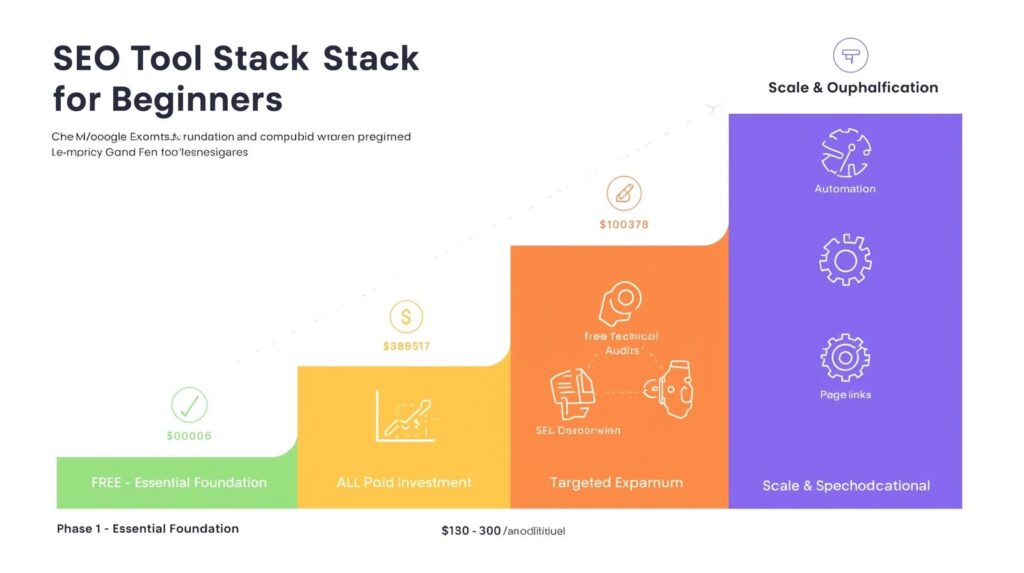
Understanding when to use free tools and when to invest in paid platforms is key for new SEO users. This section will clarify which essentials you can cover at no cost and when upgrades matter.
Free tools are good enough at first, while you learn the basics and work with small budgets.
Google Search Console offers essential technical monitoring, indexing status, and search performance data at no cost. This should be every beginner’s first implementation.
Google Analytics tracks traffic, behavior, and conversions comprehensively. The free version handles the needs of most small and medium businesses.
Basic keyword research through free versions of various platforms provides search volume estimates and competition levels. Limitations exist, but data suffices for initial targeting.
Page speed testing across multiple free services identifies performance issues without a paid subscription. Load time measurement doesn’t require premium tools.
Limited backlink checking with free tools provides a baseline understanding of the link profile. Comprehensive historical data requires paid tools, but the current overview is accessible.
When Paid Tools Start Paying for Themselves
Paid tools start paying for themselves once free options limit productivity or miss critical capabilities, affecting results.
Comprehensive keyword research requires paid tools once you exhaust free query limits. A serious content strategy requires analyzing hundreds of keyword opportunities.
Historical ranking data only exists in paid tools. Understanding ranking trends over time guides strategy adjustment, which is impossible with point-in-time free data.
The depth of competitor analysis available in paid tools reveals strategies that are working for successful competitors. Free tools provide surface information without actionable insights.
Advanced technical auditing in paid tools identifies issues that free scanners miss. Complex sites benefit from sophisticated error detection and prioritization.
Automation and scheduling features in paid platforms save significant time once SEO becomes an ongoing program rather than an occasional activity.
Budget-Friendly Approaches for Beginners
Using only free tools first helps you save money until you know which tools matter most for you.
Phased implementation adds paid tools as specific needs emerge rather than subscribing to everything immediately. Begin with one paid tool addressing your biggest limitation.
Annual payment plans typically offer 20-40% discounts compared to monthly subscriptions. Committing annually makes sense once you’ve validated tool value through trials.
You can save money by picking tools that do many jobs. One good tool is often cheaper than buying many single-use tools.
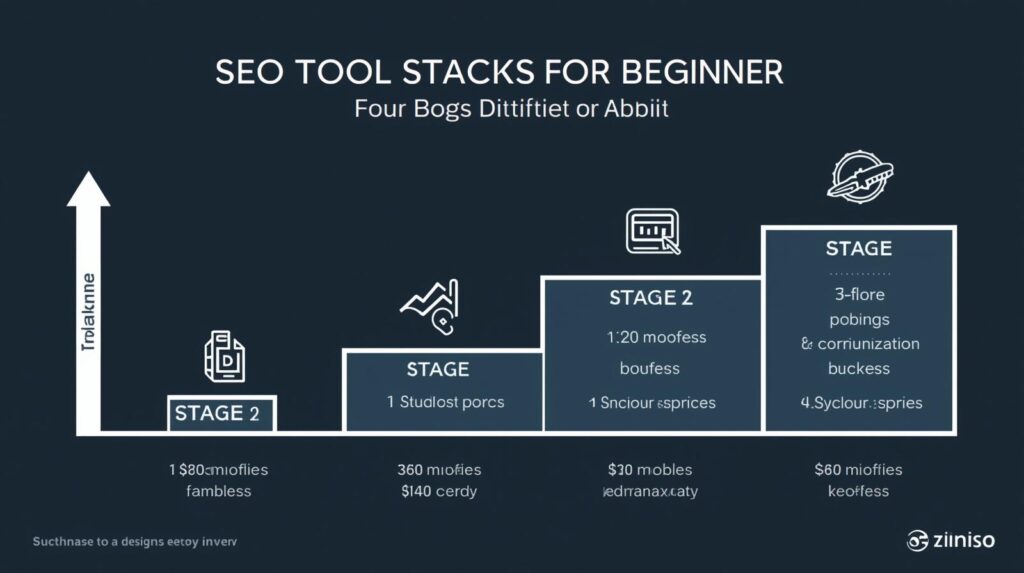
Selecting Tools Based on Your Technical Comfort Level
Tools for Non-Technical Beginners
Some tools are easy to use and provide help and tips without requiring users to know how they work on the inside.
Beginner-friendly interfaces use plain language explanations rather than technical jargon. Clear guidance about what issues mean and how to fix them reduces the learning curve.
Good tools tell you exactly what to do, not just list problems. “Fix this by doing X” helps beginners more than just saying “canonical tag missing.”
Educational resources, including tutorials, documentation, and support, help beginners learn while using tools. Quality educational content accelerates competency development.
Automatic checks spot technical problems without you having to set them up. Tools that work with little setup are best for beginners.
Tools Requiring Technical Knowledge
Advanced tools assume users understand technical concepts and can implement recommendations independently or with developer help.
Developer-focused platforms provide detailed technical data without simplified explanations. These suit users are comfortable with HTML, CSS, JavaScript, and server configuration.
Advanced tools let you integrate with other software and set up your own systems, but you need programming skills to use them effectively.
Raw data exports enable custom analysis, but users must know what to do with the information. Technical users extract more value from flexible data access.
Advanced filtering and segmentation require understanding what to look for. Powerful capabilities benefit experts but overwhelm beginners lacking context.
Choosing Based on Your Situation
Match the tool’s complexity to your current technical capability, and consider whether you’ll handle implementation yourself or work with developers.
Self-implementation requires beginner-friendly tools with clear guidance. Choose platforms assuming minimal technical knowledge if you’ll make changes yourself.
Developer collaboration allows the use of more technical tools, since implementation is handled by others. Focus on tools that provide comprehensive data, even if the recommendations are technical.
Learning trajectory matters for long-term tool selection. Choosing tools you’ll grow into can be worthwhile if you’re committed to developing SEO expertise.
Framework for Building Your Beginner SEO Tool Stack
Phase 1: Foundation Tools (First 30 Days)
✅ Goal: Establish foundational tools to start monitoring and tracking SEO performance without any financial investment.
Start with free essential tools that provide basic visibility into performance and issues, without a financial commitment.
Google Search Console (Free): Implement immediately to monitor indexing status, identify technical errors, and track search performance. This foundational tool costs nothing and provides essential data that no paid alternative replicates.
Google Analytics (Free): Set up comprehensive traffic tracking to understand visitor sources, behavior, and conversions. A proper analytics foundation enables accurate measurement of SEO impact.
Basic keyword research (Free tiers): Use free versions of keyword platforms to identify initial target phrases and understand search volume for content planning.
Page speed testing (Free): Run periodic site speed tests to identify performance issues affecting user experience and rankings.
Phase 2: Core Paid Tools (Months 2-3)
✅ Goal: Begin integrating paid tools to enhance efficiency and broaden capabilities as the limitations of free tools become apparent.
Add one comprehensive paid platform once free tools limit productivity, and you understand which capabilities matter most.
All-in-one SEO platform ($100-200/month): Select one platform combining keyword research, site auditing, rank tracking, and backlink analysis. Integrated tools provide a better workflow than managing multiple specialized alternatives.
Evaluate based on interface usability, data accuracy, and which included features you’ll actually use. Most beginners benefit from comprehensive platforms over specialized tools.
Start with a monthly subscription to test suitability before committing to annual plans offering savings.
Phase 3: Specialized Tools (Months 4-6)
✅ Goal: Fill specific gaps by incorporating specialized tools that address precise needs not covered by the initial core platform.
Add specialized tools to address specific needs not well covered by the core platform once you’ve identified particular gaps.
Advanced technical auditing ($50-100/month): Add specialized technical tools if your all-in-one platform’s auditing proves insufficient for complex site issues.
Backlink tools ($100-300/month): Consider dedicated backlink platforms if link building becomes a major strategy focus and the core platform’s link data is limited.
Content optimization ($50-150/month): Add content-specific tools if creating substantial content and need detailed optimization recommendations beyond the core platform.
Local SEO tools ($50-100/month): Implement local-specific tools if serving geographic markets and need citation management and local ranking tracking.
Phase 4: Advanced Capabilities (Month 6+)
✅ Goal: Advance to sophisticated tools capable of enhancing enterprise-scale strategies and delivering considerable business results.
Expand the tool stack with advanced capabilities once SEO generates measurable results, justifying additional investment.
Enterprise features (variable pricing): Upgrade to higher platform tiers that offer API access, white-label reporting, and additional user seats as the team grows.
Automation tools ($50-200/month): Add workflow automation platforms that connect SEO tools with other business systems for greater efficiency.
Competitive intelligence ($100-300/month): Implement specialized competitor-analysis platforms to deliver detailed competitive strategy insights.
Common Tool Selection Mistakes Beginners Make
Subscribing to Too Many Tools Simultaneously
Have you ever signed up for multiple tools, only to realize you use just a fraction of them? Self-reflect with these questions: Have you evaluated each tool’s necessity before subscribing? Do you often find yourself overwhelmed by multiple tool interfaces? Are you duplicating efforts with tools that offer similar functionalities? Do you regularly review and optimize your tool subscriptions? Have you noticed unused or redundant features in your current toolset? Detect tool overload early to avoid unnecessary costs and focus resources on what truly aids your SEO strategy.
Tool overlap creates redundant functionality. Most all-in-one platforms include keyword research, technical auditing, and rank tracking, making separate specialized tools unnecessary initially.
Unused features represent wasted investment. Paying for comprehensive platforms with advanced features you don’t understand or use costs more than focused tools matching current needs.
Management overhead increases with each additional platform. Learning multiple interfaces and reconciling different data sources consumes time better spent on actual optimization.
Choosing Based on Features Rather Than Usability
Selecting tools with the most features rather than the best usability for your skill level leads to abandoned subscriptions and continued confusion Imagine a Swiss Army knife so bulky that unfolding its features becomes a headache; sometimes, simplicity is more practical. Feature lists look impressive but mean nothing if complexity prevents their actual use. The best tool is the one you’ll actually use effectively..
Feature lists look impressive but mean nothing if complexity prevents their actual use. The best tool is the one you’ll actually use effectively.
Learning curves vary dramatically between platforms. Some tools require extensive training before delivering value, while others provide immediate utility.
Interface design affects productivity significantly. Confusing navigation and unclear data presentation slow work regardless of the underlying capability quality.
Neglecting Data Accuracy and Freshness
Different tools report different numbers for the same metrics. Understanding data limitations and choosing tools with reliable information prevents bad decisions.
Search volume estimates vary widely between platforms. Some tools significantly overestimate or underestimate actual search traffic for keywords.
Ranking data accuracy depends on update frequency and methodology. Daily ranking checks based on actual search results are more accurate than weekly algorithmic estimates.
Backlink databases differ substantially in size and freshness. Some platforms detect backlinks months before others, affecting link analysis accuracy.
Ignoring Integration Capabilities
Tools that don’t integrate with your existing systems create manual data transfer work and limited workflow efficiency.
Disconnected platforms require manual data export and import. This time waste reduces productivity and increases the potential for errors.
API availability enables custom integrations that connect tools to your specific workflow. Platforms without APIs limit automation possibilities.
Native integrations with common business systems save setup time and maintenance. Pre-built connections to analytics, CRM, and project management tools improve efficiency.
Expecting tools to improve results in isolation overlooks the crucial role of strategy in achieving SEO success. Many beginners expect that subscribing to tools alone will improve rankings, without a clear plan driving their use.
Data interpretation requires human judgment. Tools show what’s happening but not necessarily why it is happening or what to do about it.
Implementation still needs execution. Identifying opportunities through tools means nothing without creating content, fixing issues, and building links.
Strategic thinking about target audience, competitive positioning, and content differentiation matters more than tool sophistication.
Before logging into any tool tomorrow, ask yourself: ‘What strategic decision will I make today that aligns with my overall SEO goals?’ This approach reinforces the notion that tools should serve your strategy, not replace it.
Limitations of SEO Tools for Beginners
Data Accuracy and Completeness Issues
No tool provides perfectly accurate data. Understanding limitations prevents overreliance on imperfect information.
Keyword search volume represents estimates, not precise counts. Actual traffic from ranking for keywords often differs from tool predictions by 30-50%.
Ranking positions vary by location, personalization, and device. Tools show approximations of average rankings, not what every user sees.
Backlink databases capture partial internet link profiles. Even comprehensive tools miss significant portions of links pointing to websites.
Competitor data comes from third-party observation, not internal access. Tools infer competitor strategies from external signals rather than seeing actual performance.
Learning Curve Requirements
Effective tool usage requires understanding SEO fundamentals. Tools make work more efficient, but don’t replace knowledge.
Misinterpreting data leads to poor decisions. Understanding what metrics mean and how they connect to outcomes takes time and education.
Technical recommendations need evaluation. Not all tool-identified “issues” actually matter for your specific situation and priorities.
Prioritization requires judgment. Tools flag hundreds of potential improvements without indicating which matter most for your circumstances.
Cost Accumulation Over Time
Tool expenses grow as SEO matures, potentially reaching $500-1,000+ monthly for comprehensive tool stacks supporting active programs.
Subscription creep happens gradually. One tool becomes three, then five, as needs expand over time.
Annual commitments lock in spending. Prepaying for annual plans saves money but reduces flexibility if needs change.
Unused features in comprehensive platforms represent wasted investment. Paying for capabilities you don’t use costs more than focused tools that match needs.
False Confidence From Tool Recommendations
Following tool recommendations without understanding why they matter creates robotic optimization disconnected from actual user needs.
Not all “problems” deserve fixing. Tools flag technical issues that may not affect your specific site’s performance.
Checklist mentality encourages satisfying tool metrics rather than helping users. Green checkmarks don’t guarantee rankings or traffic.
Gaming metrics become tempting. Optimizing to please tools rather than users produces technically correct but ineffective content.
Frequently Asked Questions
What single SEO tool should absolute beginners start with?
Google Search Console should be every beginner’s first implementation because it’s free, provides essential data directly from Google, and identifies critical technical issues affecting indexing and visibility. Set this up before any paid tools. After Search Console, add Google Analytics for traffic measurement, then consider paid keyword research tools once you understand basic optimization and need to scale content planning beyond the limits of free tools.
How much should beginners budget for SEO tools monthly?
Beginners can start with $0 using free versions of essential tools, then budget $100-200 monthly for a comprehensive paid platform once free tools become limiting—typically after 2-3 months. Growing to $300-500 monthly over 6-12 months is reasonable as needs expand. Avoid exceeding $500 per month until SEO generates measurable revenue that justifies additional investment. Start minimal and add tools as specific needs emerge rather than subscribing to everything immediately.
Are free SEO tools sufficient, or do you need paid platforms?
Free tools suffice for learning fundamentals and handling basic optimization for small sites, particularly when starting out. Paid tools become necessary when you’re creating substantial content that requires extensive keyword research, tracking rankings across many keywords, or accessing historical data and competitor insights that free tools don’t provide. Many businesses operate effectively with mostly free tools supplemented by $100-200/month paid platform for core capabilities.
How do you know which all-in-one SEO platform to choose?
Start free trials of 2-3 leading platforms to compare interface usability, data clarity, and which features you actually use during trial periods. Choose based on ease of understanding rather than feature count—the best platform is one you’ll use effectively, not one with the most capabilities. Consider whether you need strong local SEO features, how much content you’ll create requiring keyword research, and your technical comfort level with more complex versus beginner-friendly interfaces.
Can you do effective SEO without any paid tools?
Yes, particularly for new websites with limited content and local businesses serving small markets. Google Search Console, Google Analytics, and a free keyword research tool provide sufficient data for foundational optimization. However, paid tools significantly improve efficiency and capability once you’re creating regular content, tracking competitive positioning, or managing SEO as an ongoing program rather than an occasional activity. The question isn’t whether paid tools are necessary but when they become worthwhile investments.
Building Your Tool Stack Strategically
The best SEO tools for beginners are ones you’ll actually use consistently rather than platforms with the most impressive feature lists or the highest price tags.
Start with free essential tools that provide data directly from search engines. These foundational platforms cost nothing and deliver capabilities no paid alternative can replicate.
Add paid tools incrementally as specific needs emerge rather than subscribing to comprehensive enterprise platforms before understanding which capabilities matter for your situation.
Choose based on usability and clarity appropriate to your technical comfort level. Tools you understand and use regularly deliver better results than sophisticated platforms that overwhelm and sit unused.
Measure tool value by improved rankings, traffic, and conversions rather than feature utilization. The goal is business results, not maximizing tool capabilities for their own sake.
Reassess your tool stack quarterly as needs evolve. The right tools for month one differ from what you’ll need at month twelve. Adapt your toolkit as SEO knowledge and requirements mature.